
Download PDF ShapingUp Advanced – PDF editor, PDF cutter, PDF separator, PDF image extractor, PDF watermark adder
Overview
PDF ShapingUp Advanced is a mobile application designed to simplify the editing of PDF documents directly from Android devices. The app enables users to perform essential tasks such as cutting, separating, extracting images and text, and adding watermarks to PDF files. Its primary purpose is to provide a convenient, on-the-go solution for managing PDFs without the need for desktop software. This makes it particularly useful for students, professionals, and freelancers who frequently handle documents and need quick access to editing tools.
The app targets individuals seeking a lightweight, free utility for PDF manipulation. While the developer, PDF ShapingUp, has not disclosed further details about their background or history, the app’s consistent release pattern and functional focus suggest a dedicated effort toward utility-driven mobile tools. Real-world use cases include preparing documents for presentations, extracting specific pages from lengthy reports, or securing sensitive files with watermarks. In the broader mobile productivity ecosystem, PDF ShapingUp Advanced fills a niche by offering core PDF editing capabilities in a compact, accessible format.
Despite its practical functionality, the app’s effectiveness is hindered by notable translation inconsistencies. These issues may affect clarity and usability, especially for non-native speakers. However, the app still serves its fundamental purpose for users willing to navigate around language-related challenges.
Key Features & Functionality
- Intuitive User Interface: The app features a clean, straightforward layout designed for immediate usability. Most actions can be initiated within two clicks, minimizing the learning curve. This is especially beneficial for users with limited technical experience, allowing them to perform edits without prior training.
- Quick Operations: Processing times are minimal, with most tasks completed in seconds. This efficiency supports high-volume workflows, such as batch processing of documents for submission or archiving.
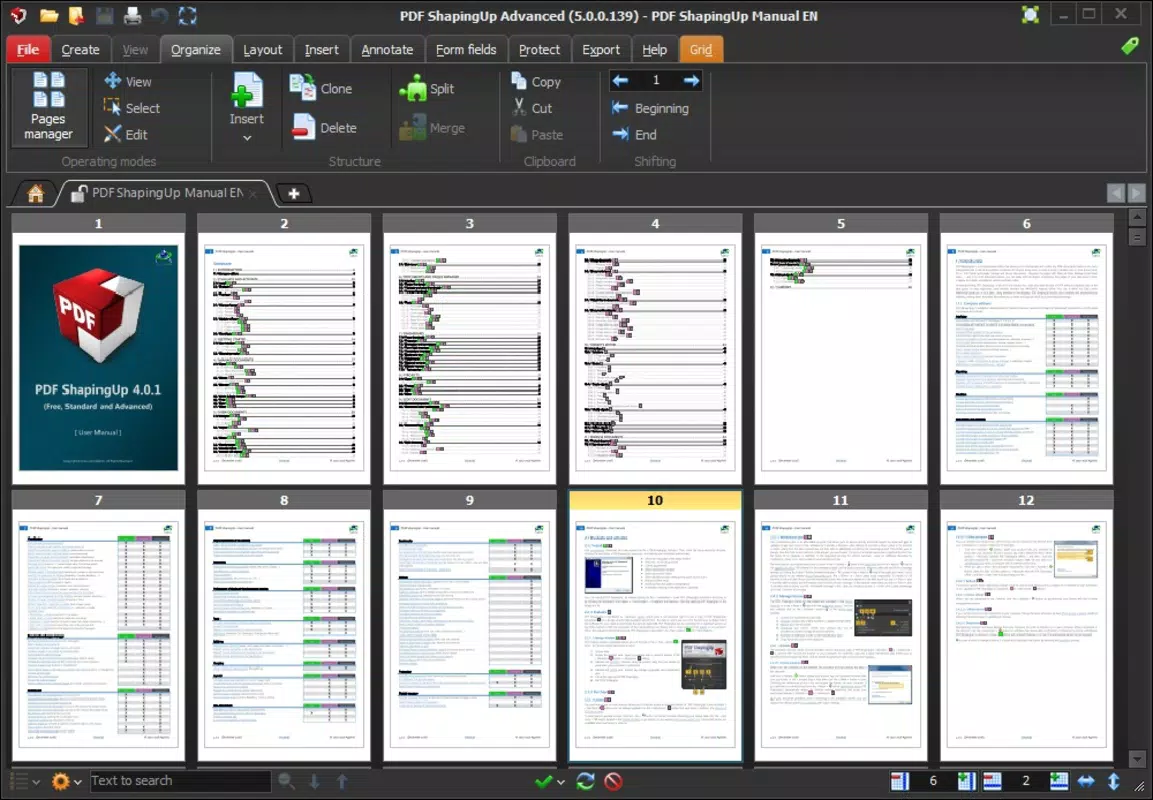
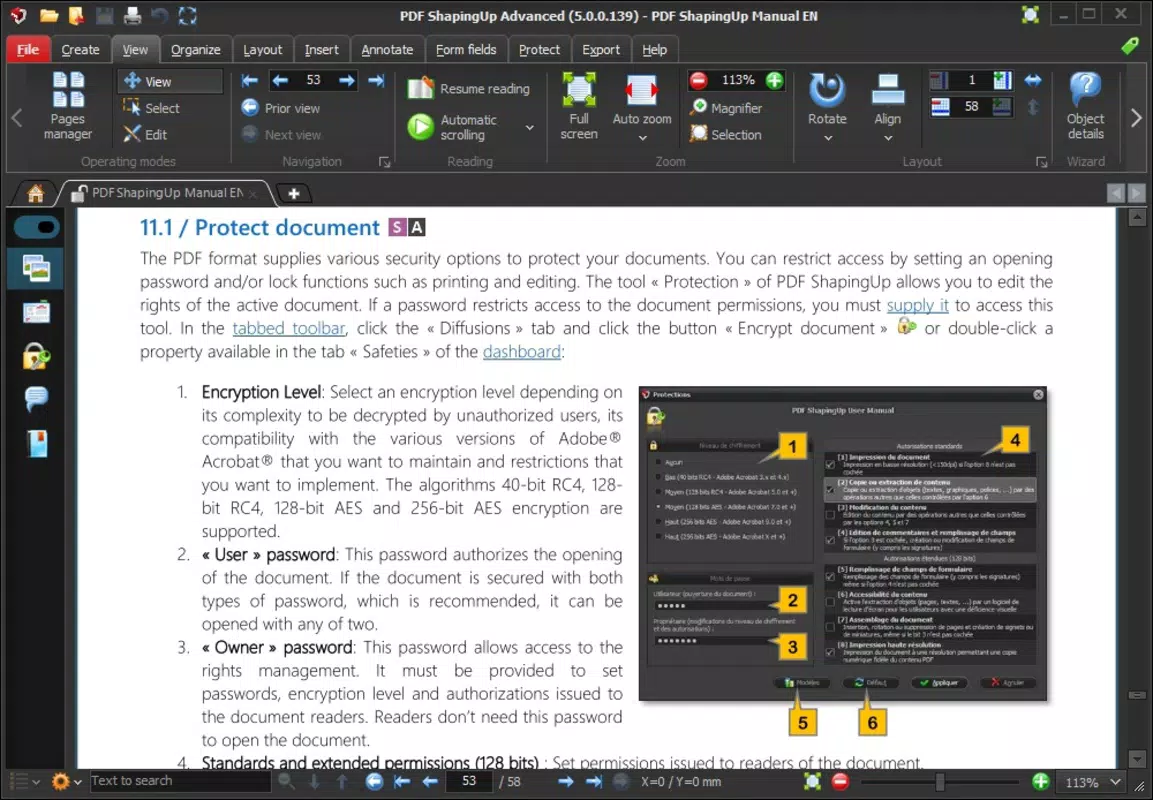
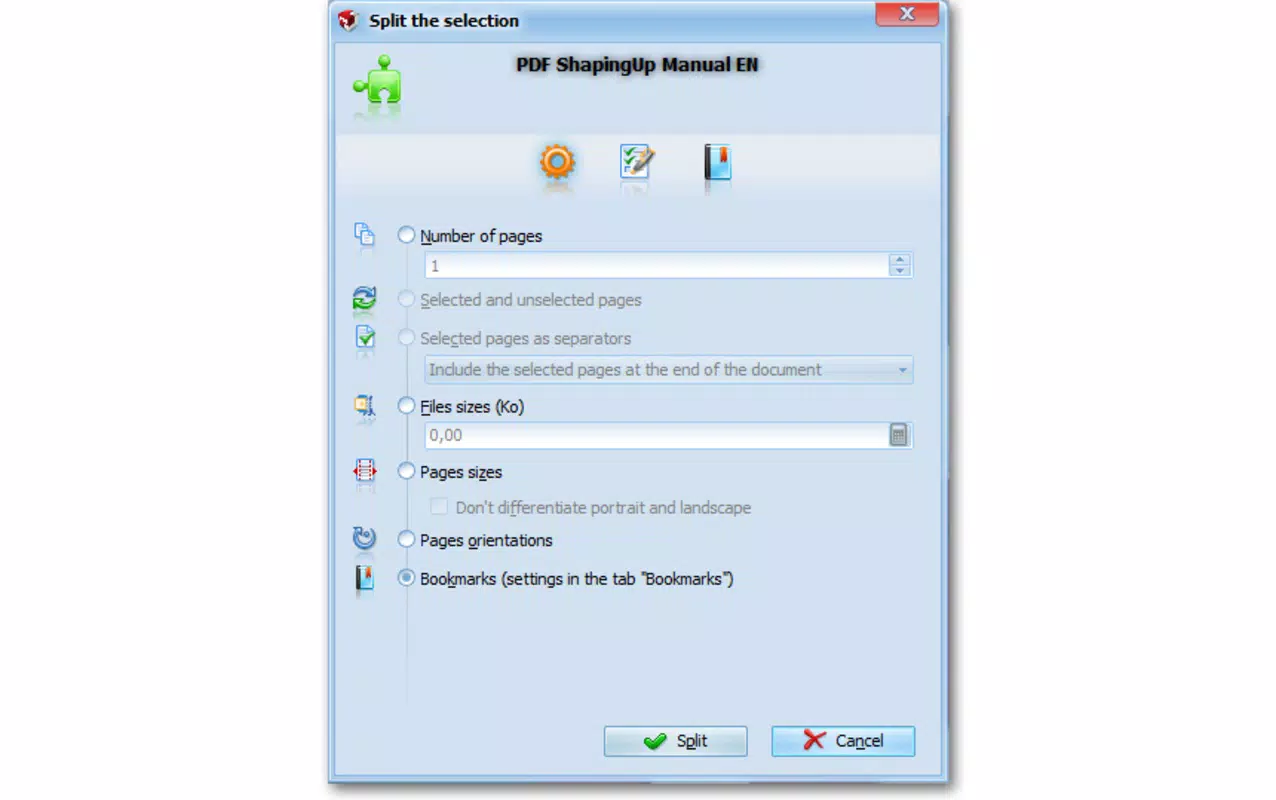
- Multi-Functionality: PDF ShapingUp Advanced supports a broad range of editing operations, including cutting specific sections of a PDF, separating documents into individual pages, extracting embedded images or text, and adding custom watermarks. This versatility makes it a valuable tool for both personal and professional use.
- Effective PDF Manipulation: Despite language barriers, the core functionality performs reliably. Users can successfully split large PDFs into manageable parts, isolate key content, and protect documents with watermarks, fulfilling essential editing needs.
- Poor Translation Issues: The app suffers from inconsistent and often unclear translations. Labels, instructions, and error messages may be confusing or misleading, requiring users to rely on context or trial and error to complete tasks correctly.
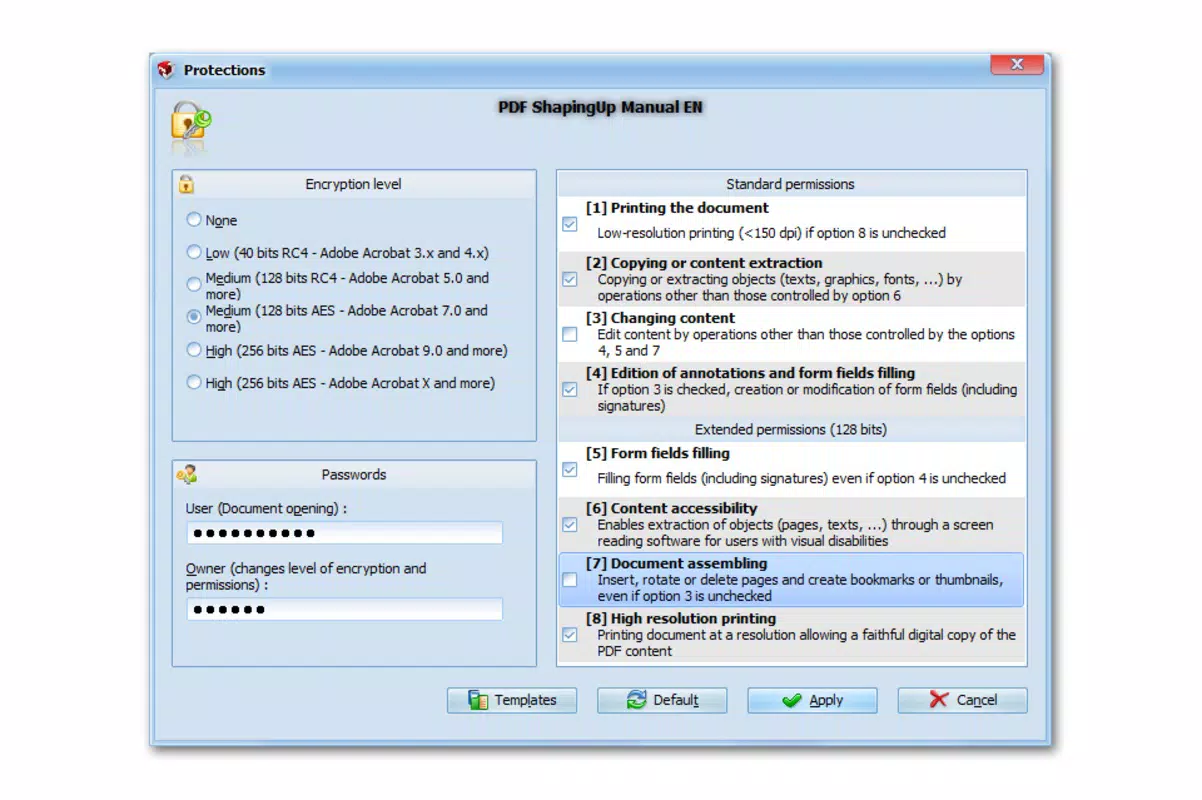
For example, a user preparing a report might extract images from a PDF to use in a presentation, or a student could separate a chapter from a textbook. The ability to add a watermark like “Confidential” helps safeguard sensitive information. While the app delivers on these core tasks, the language issues may slow down or misdirect users unfamiliar with the interface.
Interface, UX & Performance
The user interface of PDF ShapingUp Advanced is designed with simplicity in mind, featuring a minimalistic layout that prioritizes accessibility. Navigation is linear and consistent, with primary functions grouped under clearly labeled icons. This structure supports efficient task completion, especially for users who value speed and clarity.
Visual design is functional rather than aesthetic, focusing on usability over decorative elements. Buttons are large and well-spaced, reducing the risk of accidental taps. The app maintains a responsive feel across various Android devices, though the developer did not list formal performance metrics.
Although the developer did not list formal performance metrics, the app demonstrates stable behavior during typical use. It launches quickly, processes files without crashes, and maintains responsiveness even when handling moderately sized PDFs. The app’s file size of 14.8 MB indicates a lightweight footprint, which contributes to efficient memory usage and faster startup times.
However, the presence of translation errors may disrupt the user experience, particularly during critical steps like file selection or confirmation prompts. Users may misinterpret actions due to unclear labels, potentially leading to unintended outcomes. Despite this, the core workflow remains intact, and the app remains usable for those who can adapt to the interface’s language quirks.
Platform Compatibility & Technical Requirements
PDF ShapingUp Advanced is available exclusively on the Android platform. The app is compatible with devices running Android OS, though specific minimum version requirements were not listed by the developer. This lack of detail means users should ensure their device meets general Android compatibility standards for smooth operation.
The application has a file size of 14.8 MB, which is relatively small and suitable for devices with limited storage. This compact size supports quick downloads and minimal impact on device performance. The app is currently available for free, with no in-app purchases or subscription models disclosed.
Given the absence of detailed technical specifications, users are advised to install the app from trusted sources to ensure authenticity and security. Compatibility with specific device models or screen resolutions was not fully disclosed.
Pros and Cons
Pros
- Lightweight design with a small file size of 14.8 MB
- Fast processing times for common PDF tasks
- Intuitive interface suitable for beginners and experienced users
- Supports multiple PDF editing functions in one tool
- Free to download and use without hidden costs
Cons
- Inconsistent and often unclear translations may hinder usability
- Limited technical details on OS compatibility and requirements
- No official information on supported file formats beyond PDF
- Some interface elements may be difficult to interpret due to language issues
- Developer did not provide updates or changelog details
FAQ
Is PDF ShapingUp Advanced safe to download and install?
Yes, the app is available for free on Android and does not require root access. However, users should download it from official or trusted sources to avoid modified or malicious versions.
Can I use PDF ShapingUp Advanced on iOS devices?
No, the app is currently available only on Android. There is no official version for iOS devices.
Does the app support PDFs larger than 100 pages?
The app can handle multi-page PDFs, but specific limitations on file size or page count were not disclosed by the developer.
Are there any in-app purchases or ads?
As of the latest version, the app is free and does not include in-app purchases. However, the developer did not confirm whether ads are present.
How often is PDF ShapingUp Advanced updated?
Update frequency was not disclosed. The last known release was in 2018, though users should check for newer versions on trusted platforms.
Final Thoughts
PDF ShapingUp Advanced delivers a functional and accessible solution for basic PDF editing tasks on Android. Its lightweight design, fast performance, and multi-functional capabilities make it a practical choice for users who need to cut, separate, extract, or watermark PDFs without relying on desktop software. While the app’s translation issues present a notable challenge, they do not entirely undermine its utility for users who can adapt to the interface.
For students, remote workers, and professionals managing documents on the go, the app offers a convenient, free tool that meets essential editing needs. Its ability to handle a variety of operations with minimal effort adds significant value, especially in time-sensitive situations.
Despite its age and lack of recent updates, the app remains relevant due to its core functionality and low system requirements. For those seeking a straightforward, no-cost PDF utility, PDF ShapingUp Advanced is a viable option.
Download PDF ShapingUp Advanced now


